

In today’s fast-paced digital world, making a mobile app that connects with users is crucial. With smartphones becoming more common, it’s important that your app is easy to use and engaging to keep users interested. A well-designed app meets user needs and stands out by offering a smooth and enjoyable experience that makes users want to come back.
Understanding User Needs
Knowing what your users need is the first step in designing a successful app. By understanding user preferences and behavior, you can create an app that meets their needs and solves their problems.
Conducting User Research
User research involves collecting information about your target audience. Start by conducting surveys and interviews to understand what users want and need from an app. You can also organize focus groups to get more detailed insights. Creating user personas based on this data helps in designing an app that caters to different user segments.
Example: For a fitness app, you might find that users want features like workout tracking, diet plans, and community support. Knowing these needs helps in prioritizing features during the design phase.
Analyzing User Behavior
Tracking how users interact with your app provides valuable insights. Use tools like Google Analytics and Hotjar to see which features are most used and which areas users find confusing. Analyzing this data helps in refining the app design to better suit user behavior.
Example: If users stay on the home screen but don’t look at other sections, you might need to simplify navigation or make important features more visible.
Simplifying Navigation
Navigation is a key component of app design. If users can’t find what they need easily, they might abandon the app. Simplifying navigation makes the app more intuitive and enjoyable to use.
Intuitive Navigation Menus
Design menus that are easy to understand and use. Avoid clutter by keeping menu options limited and relevant. Use clear, descriptive labels for each menu item.
Example: A shopping app can benefit from a straightforward menu with categories like Home, Shop, Cart, and Profile. This layout helps users find what they need without confusion.
Using Consistent Icons and Labels
Consistency in icons and labels enhances user experience. Users should not have to guess what an icon means. Use familiar symbols and maintain uniformity throughout the app.
Example: If you use a shopping cart icon for the cart feature, make sure this icon looks the same in all parts of the app. This consistency reduces cognitive load and helps users navigate smoothly.
Prioritizing Speed and Performance
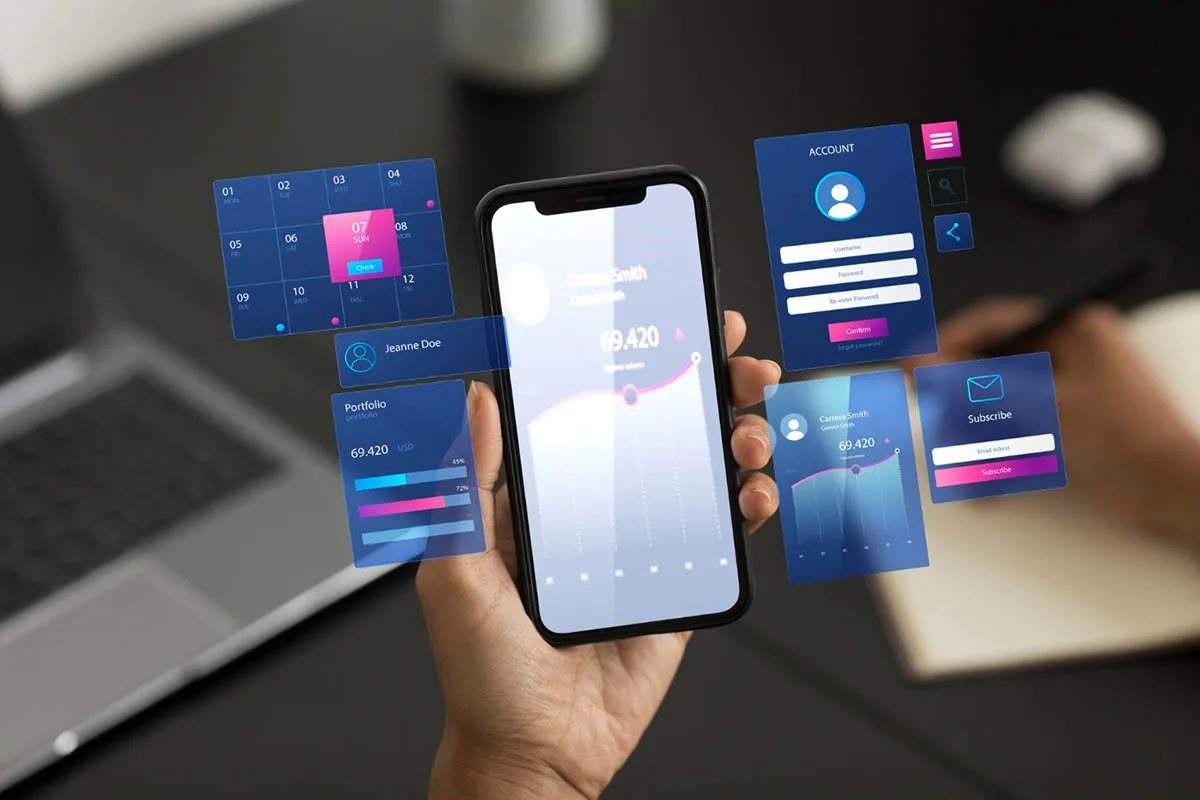
App performance significantly affects user satisfaction. Slow load times and high data usage can frustrate users, leading them to uninstall the app. Ensuring your app runs smoothly is vital.
Optimizing Load Times
Fast load times are crucial for keeping users engaged. Optimize images and reduce the number of HTTP requests to speed up your app. Use lazy loading for images and content that are not immediately needed.
Example: An image-heavy news app can load text first and images as the user scrolls down. This approach ensures the app loads quickly and provides a smooth reading experience.
Reducing Battery and Data Usage
Apps that consume too much battery or data can deter users. Minimize background processes and use efficient coding practices to reduce resource consumption.
Example: A travel app can update location information less frequently and use GPS only when necessary. This strategy saves battery life and data usage, improving the overall user experience.
Creating Responsive and Adaptive Design
Users access apps on various devices with different screen sizes. A responsive and adaptive design ensures your app looks and functions well on all devices.
Designing for Different Screen Sizes
Design your app to work on various screen sizes, from small phones to large tablets. Use flexible layouts and scalable graphics to adapt to different screens.
Example: A photo editing app should provide a seamless experience on both a small phone and a large tablet. The layout should adjust to make full use of the available screen space without compromising usability.
Ensuring Compatibility Across Devices
Your app should function correctly on different operating systems and devices. Test your app on various devices to ensure compatibility and fix any issues that arise.
Example: A banking app should be tested on both iOS and Android devices, as well as different versions of these operating systems. This thorough testing ensures all users have a consistent experience.
Enhancing Visual Appeal
Visual appeal plays a crucial role in attracting and retaining users. A clean, aesthetically pleasing design makes your app more enjoyable to use.
Using a Clean and Consistent Layout
A clean layout with ample white space makes your app easier to navigate. Consistent use of colors, fonts, and design elements across the app enhances its visual appeal.
Example: A meditation app can use a calming color palette and simple, consistent icons to create a peaceful and inviting interface. This design choice aligns with the app’s purpose and improves user experience.
Incorporating High-Quality Visuals
High-quality images and graphics make your app more engaging. Make sure visuals are optimized for different screen sizes and resolutions to keep their quality high.
Example: A recipe app can feature high-resolution photos of dishes, making the content more attractive and enticing users to try the recipes.
Implementing Effective Onboarding
A well-designed onboarding process helps users understand how to use your app effectively. It sets the tone for their overall experience.
Creating Simple and Clear Instructions
Provide clear instructions during the onboarding process. Use simple language and visual cues to guide users through the app’s features.
Example: A productivity app can use a series of short screens to introduce key features, such as task management and calendar integration. This approach helps users get started quickly without feeling overwhelmed.
Utilizing Interactive Tutorials
Interactive tutorials allow users to learn by doing. They can explore the app’s features in a hands-on way, which enhances their understanding and retention.
Example: A drawing app can offer a tutorial that lets users practice drawing with different tools. This interactive approach makes learning fun and engaging.
Gathering and Implementing Feedback

User feedback is invaluable for continuous improvement. Regularly collecting and implementing feedback helps keep your app relevant and user-friendly.
Collecting User Feedback
Encourage users to provide feedback through in-app surveys, reviews, and ratings. Use tools like UserVoice or SurveyMonkey to gather insights on user satisfaction and areas for improvement.
Example: An e-learning app can prompt users to rate their experience after completing a course. This feedback helps identify what works well and what needs enhancement.
Iterating Based on Feedback
Use the feedback collected to make informed updates and improvements to your app. Regular updates based on user feedback show that you value their input and are committed to providing a better experience.
Example: A fitness app can add new workout routines or modify existing ones based on user suggestions. This continuous improvement keeps users engaged and satisfied.
The Role of Power-Devs in App Design
Power-Devs, a leading app development firm, plays a crucial role in crafting user-friendly mobile apps. Their skill in understanding user behavior and using the latest technology makes the app smooth and enjoyable to use.
Expertise in User-Centered Design
Power-Devs focuses on user-centered design. They put the end-user’s needs first during development. By doing thorough user research and creating detailed user personas, they tailor the app to meet specific user needs.
Example: For a health and wellness app, Power-Devs might develop features that cater to both beginners and advanced users, ensuring that each group finds the app useful and intuitive.
Advanced Technical Skills
With a skilled team, Power-Devs uses the latest technologies to boost app performance and functionality. They work on speeding up load times, making sure the app works on various devices, and lowering battery and data use to improve the user experience.
Example: A finance app from Power-Devs would have strong security, fast load times, and efficient data handling, so users can manage their finances smoothly and safely.
Ongoing Support and Improvement
Power-Devs offers continuous support and iterative improvements based on user feedback. They focus on regular updates to fix user issues, add new features, and improve performance, keeping the app useful and easy to use.
Example: An e-commerce app might get regular updates from Power-Devs. They use user feedback to make the shopping experience better, add new payment options, and make the app more stable.
Conclusion:
Designing a user-friendly mobile app means:
- Understanding user needs
- Simplifying navigation
- Ensuring speed and performance
- Creating a responsive design
- Enhancing visual appeal
- Implementing effective onboarding
- Gathering feedback
By following these best practices, you can create an app that users love to use, ensuring high engagement and satisfaction. Remember, user-centered design is key to success in the competitive world of mobile apps.